Gerir os cookies que são utilizados para publicidade, como a personalização de anúncios, o remarketing e a análise de desempenho de anúncios.
4.9.8. Mail statistics
General
Attention!
Only for hosting account mail.
To view general statistics in the "Mailboxes" section, in the "Email sending limits per day" block, click "Statistics":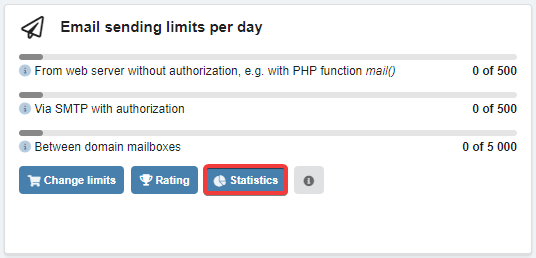
The window displays a graph with the total statistics of incoming and outgoing mail for the last month: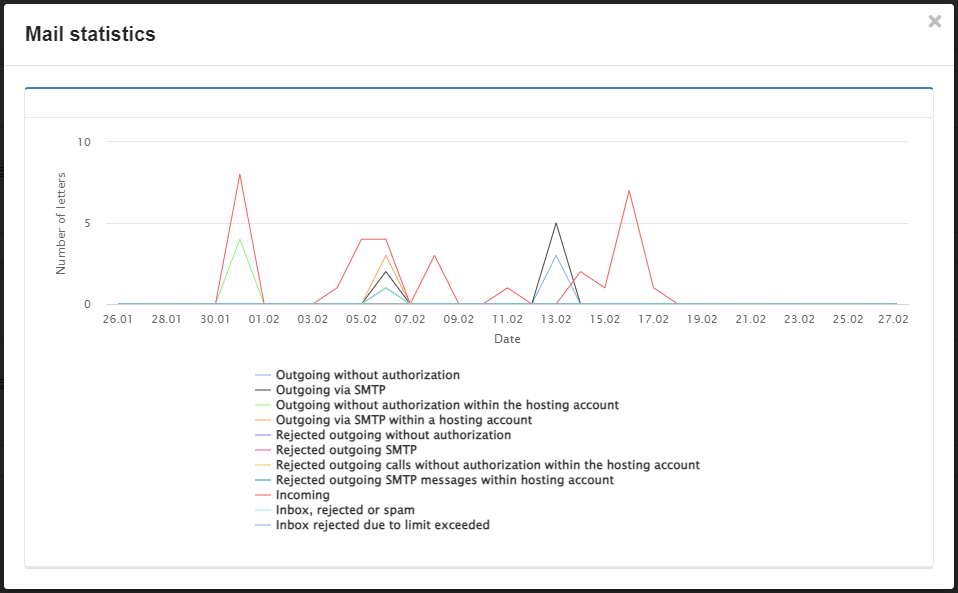
Outgoing
Statistics are available only for 2 days — current and yesterday.
To view the statistics of mails sent, in the "Mailboxes" section in the "Email sending limits per day" block, click "Rating":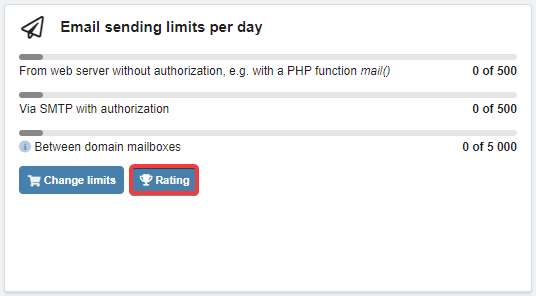
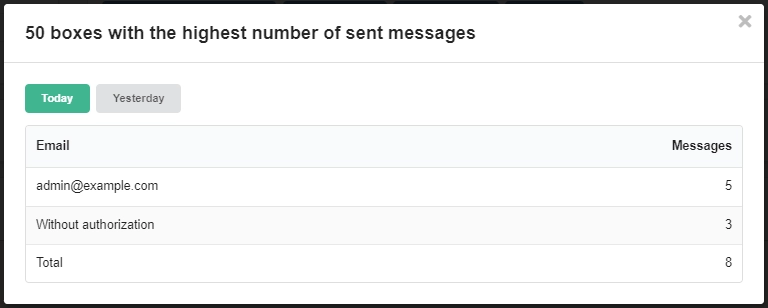
The window displays the 50 mailboxes with the highest number of mails sent, the number of messages sent without authorization and the total number of messages sent: